Before / After Preview
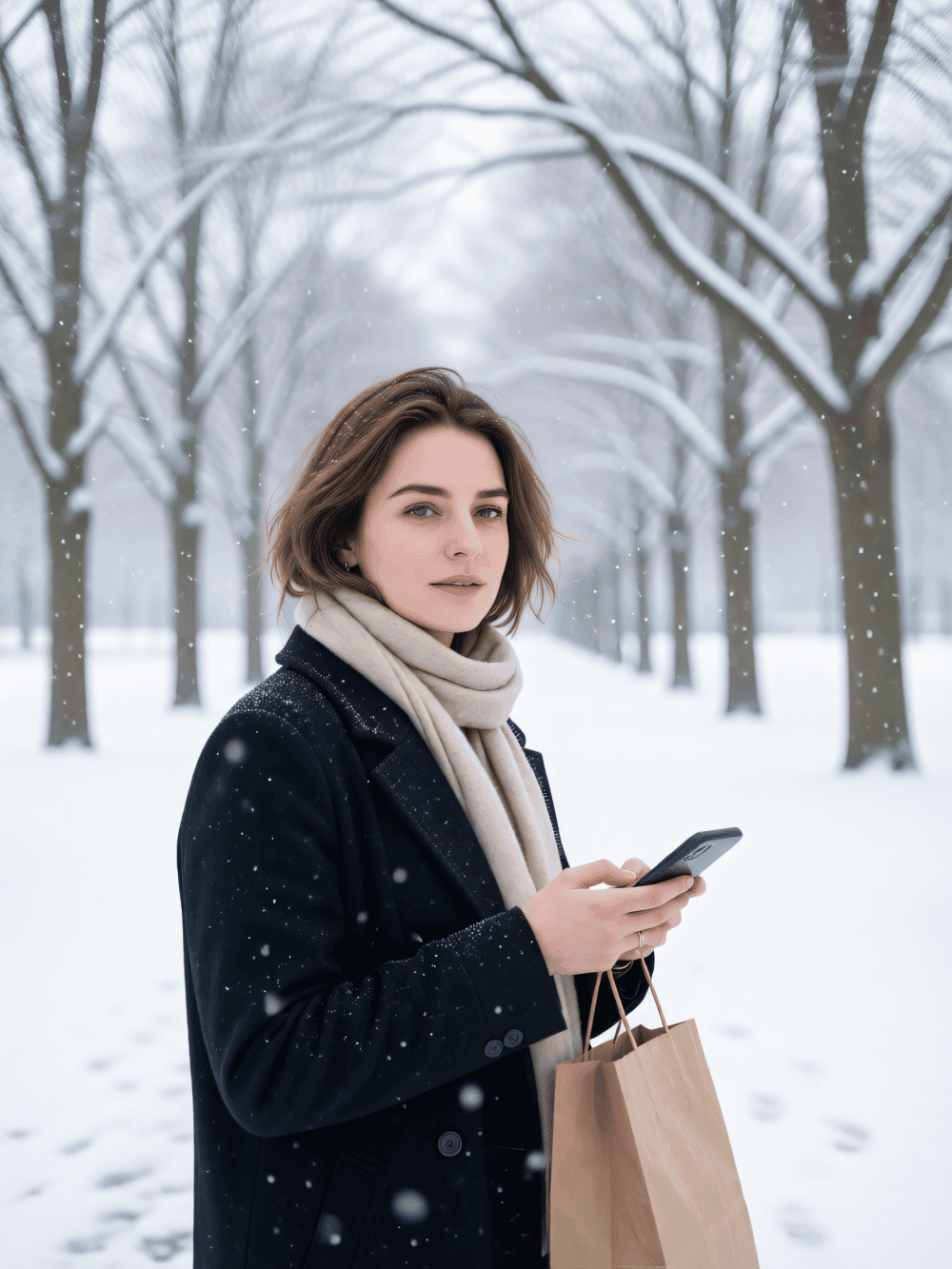
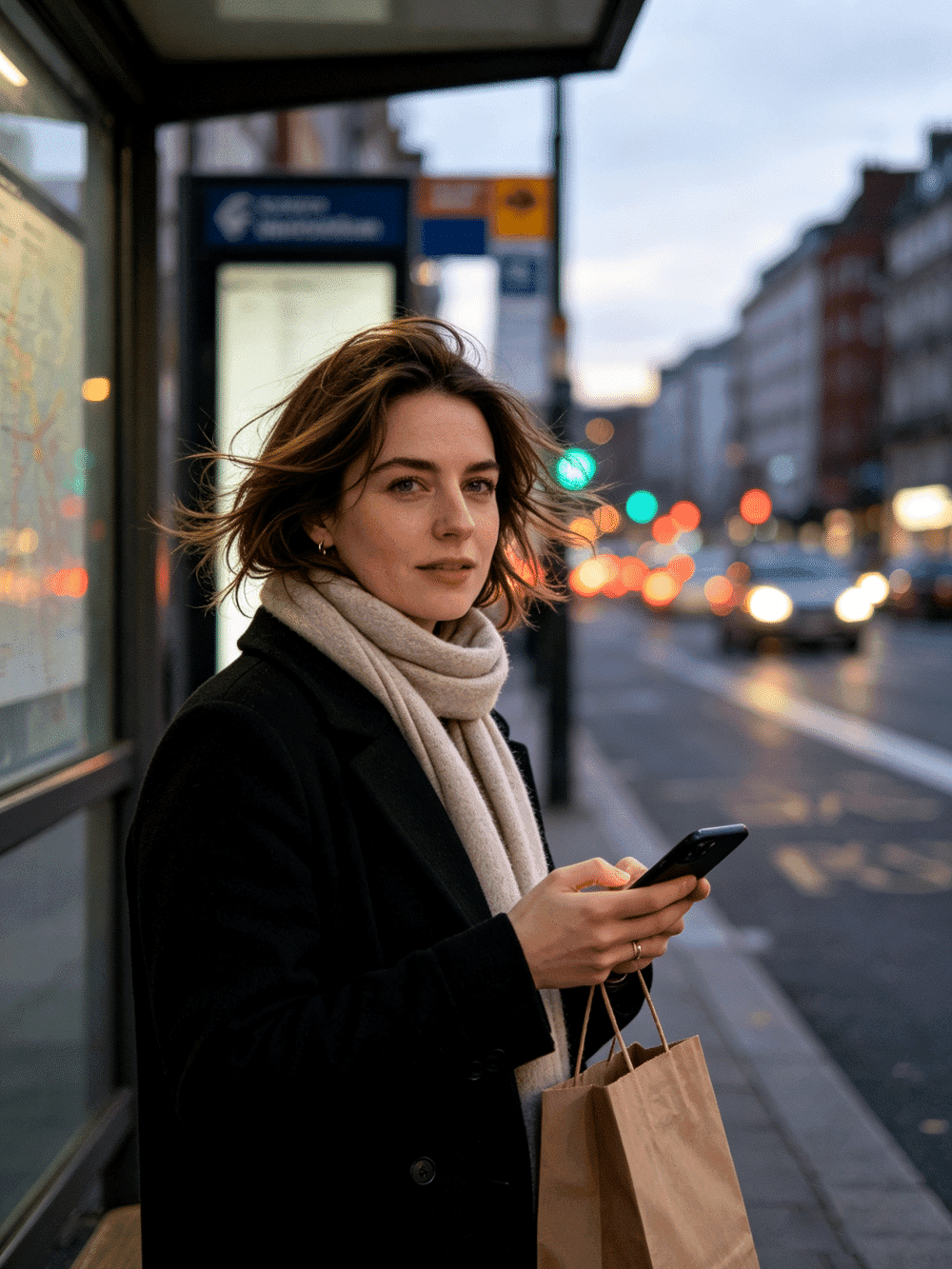
Snowy Winter Park Candid Portrait|Soft Snow‑fall Winter Scene
Upload your photo, keep natural outdoor relaxed pose, quiet winter park background, soft slowly falling snowflakes, cool gentle overcast daylight, snow‑covered ground and tree branches. Only swap facial features from your reference image, generate gentle snow‑scene winter portrait.
Ready to try?
Introduction
Transform your photos into enchanting winter portraits set in a snowy park. This skill captures the serene beauty of a quiet winter day, placing you naturally within a softly falling snow landscape with gentle overcast lighting and snow-covered surroundings. Simply provide your reference image, and the AI will blend your features seamlessly into a candid outdoor portrait that radiates calm, natural warmth against the cool tones of a winter wonderland.
Key Features
Natural candid portrait composition in a peaceful winter park setting
Soft, slowly falling snowflakes creating a dreamy atmospheric effect
Snow-covered ground and tree branches for authentic seasonal ambiance
Cool gentle overcast daylight that flatters facial features
Facial feature swap from your reference image while preserving the winter scene
How to Use
1. Upload your reference photo containing the face you wish to use for the portrait. 2. Choose your preferred image ratio to match your intended output dimensions. 3. Generate your snowy winter park portrait and download the result.
Explore real-world examples created with Snowy Winter Park Candid Portrait|Soft Snow‑fall Winter Scene. Each example demonstrates the skill capabilities and helps you understand the expected results.
Before / After Examples
Try this skill now
Generate now and see the magic happen. New users get free 30 credits to try.
FAQ
Ready to get started?
Sign up for free and get 30 welcome credits. No credit card required.